Getting started
justdom is a family of small packages. Pick the ones for what you render:
| To render | Install |
|---|---|
| Reactive state only | justdom-signal |
| The DOM, on a page or on a server | justdom-core and justdom-signal |
| A Three.js scene | justdom-three, justdom-signal and three |
| DOM panels in a scene, such as a keyboard | justdom-three-ui and the above |
| A WebXR session | justdom-xr with justdom-three |
For example, a page that renders the DOM:
npm install justdom-core justdom-signalimport { Signal, just } from "justdom-signal";
import { $, children, set, on, text } from "justdom-core";
const count = Signal.of(0);
const Counter = $("button", [
set({ className: "counter" }),
on("click", () => count.set(count.get() + 1)),
children(text`Clicked ${() => count.get()} times`),
]);
just(document.querySelector("#app"), [children(Counter)]).subscribe();Three things in those lines are the whole model, and the next pages take them one at a time:
countis a signal: a value somebody writes. Reading it inside a getter, as thetexttemplate does, makes whatever runs the getter depend on it. Reactivity is about that.$("button", [...])builds a real element and the list of effects that keep it current. There is no virtual tree and no diff:setwrites a property,onadds a listener,childrenplaces nodes, and each is wired to the one DOM write it stands for. Rendering the DOM is about that..subscribe()mounts the app. The render tree is a subscription tree: unsubscribing takes it down, in dependency order, running every cleanup. There is no separate mount and unmount API.
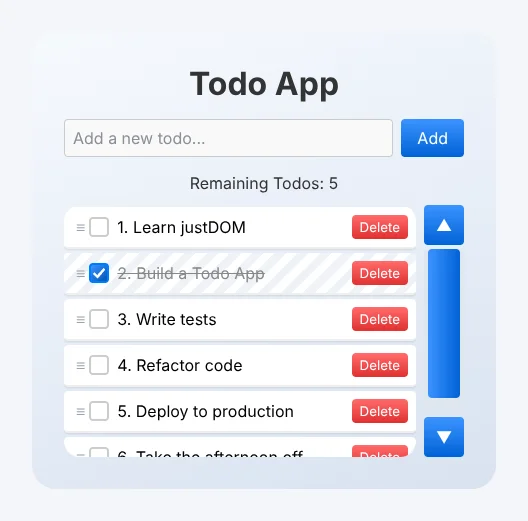
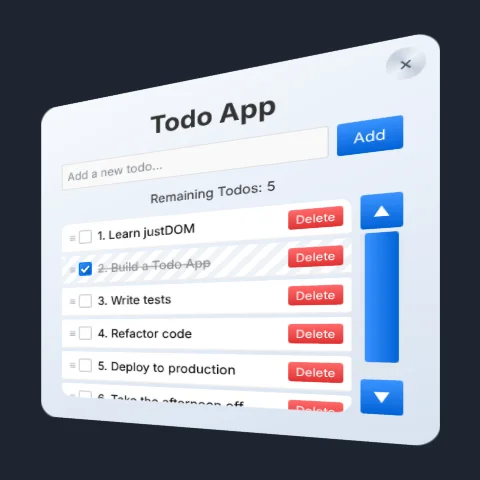
The todo demo is such a page. Add justdom-three and justdom-xr, and a headset shows the same DOM: the scene mirrors the element the app is mounted in into a panel in the room, so the app's interface is not built twice. DOM panels is about that.
The packages are JavaScript with JSDoc types, checked by tsc and shipped as source, so an editor sees every signature, and the .d.ts files a consumer gets are generated from the same comments. The API reference lists every export with its options and defaults.
To see what the packages can do, open the demos. Each one links to its source.